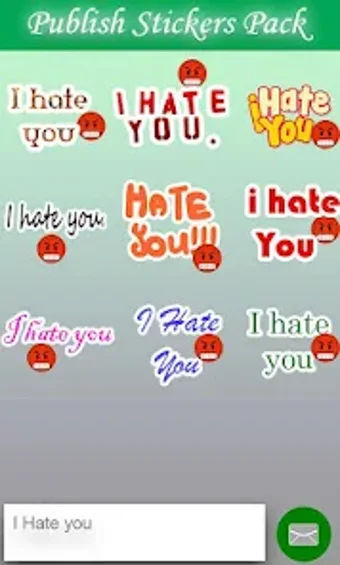
A free app for Android, by Anaya App Studio.
If you’re looking for a simple and user-friendly tool to design custom text stickers for WhatsApp, then you should definitely check out this app. Not only can you create your own stickers, but you can also customize them by changing their background, fonts, and more.
To start using this app, simply download it from the Google Play Store. You will then be able to use it on your Android device. The first thing you need to do is open the app and click on the “Create Stickers” button. This will allow you to choose from a variety of templates. You can choose from a photo, a text, or even a custom design. You can also change the font style and color, and add a background.
Once you have created your sticker, you can add it to WhatsApp and use it in the same way you would use a normal sticker. You can send it to your friends and family, or use it in a chat.
The great thing about this app is that you can use it to create unlimited stickers. There are no limits on the number of stickers you can create, and you can customize each one by changing the background, fonts, and more.